Wireless Charging Pad vs Stand: Which Fits Your Desk Routine?
Compare a flat charging pad and an upright stand by screen visibility, phone placement, desk clearance and your everyday charging routine.
Written by
Desk Chargers Team
Product notes and buying guides from Desk Chargers.
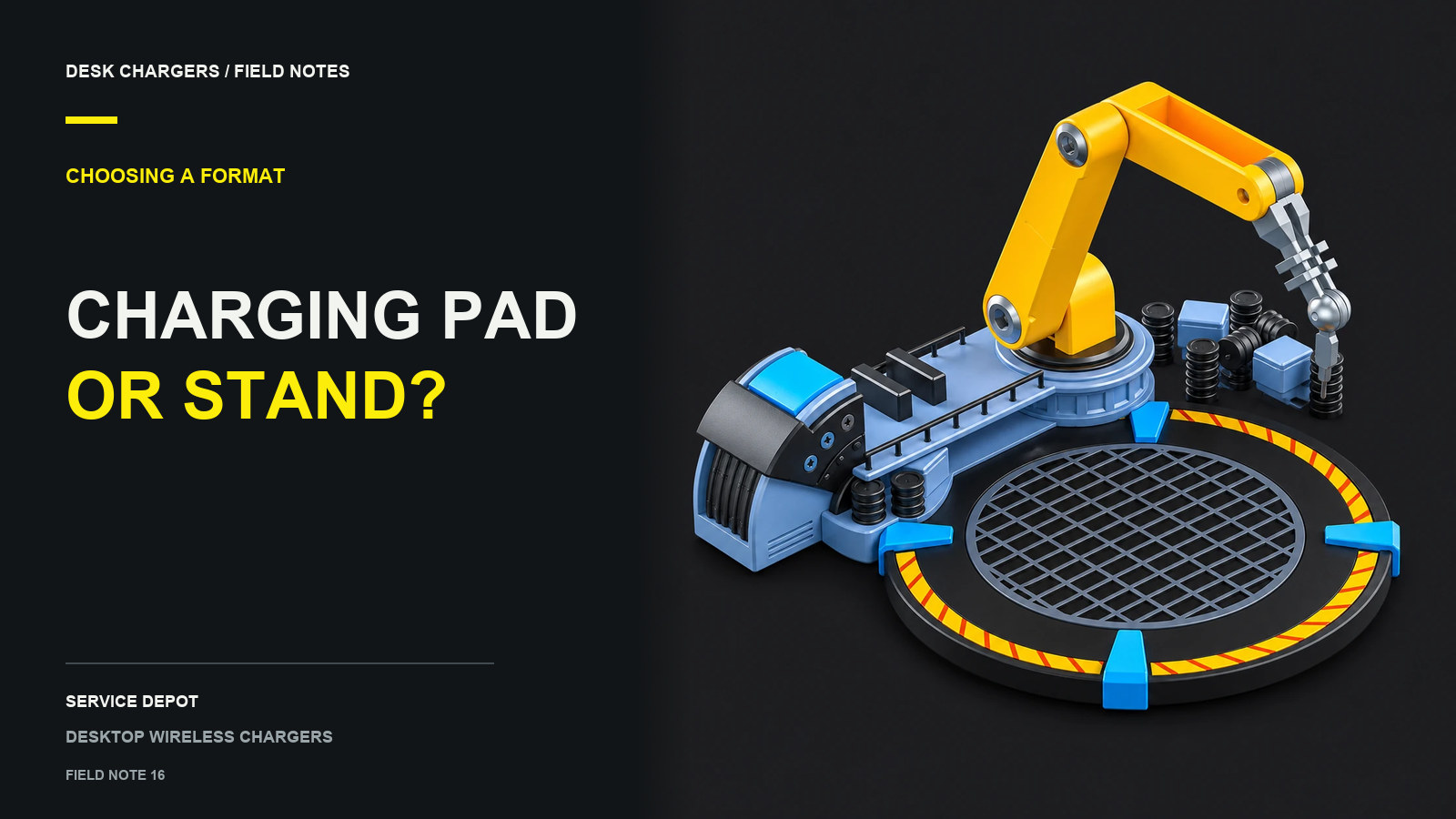
A wireless charging pad gives your phone a flat resting place. A stand positions it at an angle, which can make the screen easier to see from your seat. Choose the shape around your phone habits and desk layout, then check charging compatibility separately.
The basic form-factor distinction is also how Belkin describes its charging stands: they hold a device at an angle for viewing while charging. The details still vary by model, including angle adjustment, orientation and magnetic attachment. Belkin charging stand guide
Start with how you look at the screen
If your phone mostly stays untouched while you work or play, a pad can be a straightforward landing place. If you often glance at a timer or incoming call, a stand may put the screen in a more useful position.
Try the viewing angle before deciding. Sit normally, with the keyboard and monitor where you use them. Place your phone in the intended spot and look at it without leaning over. A stand behind a tall keyboard may be less useful than its product photo suggests; a pad tucked beneath a monitor shelf may be awkward to reach.
| Question | Pad consideration | Stand consideration |
|---|---|---|
| Will I read the screen from my seat? | The flat screen may require looking down or lifting the phone | Check the actual viewing angle and position |
| How much room is available? | Allow for the phone extending beyond the pad | Measure the base, phone height and rear clearance |
| Do I use portrait and landscape? | Check the documented placement for each orientation | Check whether both orientations are supported |
| Do I move the charger frequently? | Inspect cable routing and grip underneath | Check the base and any folding or adjustment mechanism |
| Does my phone have an attachment? | Check whether it rests in the required position | Check the cradle or magnetic attachment requirements |
Measure the phone as well as the charger
The dimensions of an empty charger do not describe the complete occupied space. Your phone may extend past its edges. A camera area, case or accessory can also change how it rests.
Use a paper outline of the charger's listed base dimensions and put your phone next to it in the intended orientation. This is only a space-planning exercise, not a compatibility test. Add room for your fingers, the power lead and any controls you need to reach. On a small desk, check whether the arrangement crosses into the mouse area.
Our small gaming desk guide expands on this measurement method.
The shape does not establish charging support
A stand still needs the phone to sit in the charging position specified by its manufacturer. A pad also needs correct placement. Samsung's guidance points users to the charging contact point for their specific device and recommends checking obstructions when a wireless connection fails. Samsung placement guidance
Do not assume that an upright shape means magnetic attachment, that every stand adjusts, or that turning a phone sideways will keep it charging. Check the exact product's instructions, supported phones and case requirements. Our Qi, Qi2 and MagSafe guide separates those technology claims from the physical shape.
Where model-style chargers fit
The Desk Chargers models provide charging platforms within decorative buildings. They should be evaluated as display pieces with phone placement requirements, not as adjustable viewing stands.
The Air Force Command HQ measures 9.7 cm wide, 14.8 cm deep and 11.7 cm high. Service Depot's listed dimensions are 13.8 cm long, 12.5 cm wide and 3–8 cm high. Its arm is manually posable; it is not a motorized phone-positioning mechanism. See the two-model comparison for the documented details.
If screen viewing is the main reason for your purchase, prioritize a stand whose angle and phone support are specified. If you want a desk display that also offers a phone-charging spot, measure the model and phone together. Either way, finish with the practical question: can you put down and retrieve your phone comfortably without rearranging the rest of the desk?
Questions or corrections about this content can be sent to support@deskchargers.com.
All postsRelated posts
Desktop wireless charger comparisons, setup questions, and buying guides.