Gaming Desk Setup Ideas for Work, Play and Display
Plan three gaming desk layouts around work, compact spaces and display pieces, with practical zones for your keyboard, phone charger and power cables.
Written by
Desk Chargers Team
Product notes and buying guides from Desk Chargers.
A good gaming desk layout starts with the activities you need to fit. A desk that handles video calls, notes and games needs a different arrangement from one built around a monitor and a collection of models. Place the equipment you handle first, then reserve a phone spot and a display area.
The three layouts below are planning examples, not photographs of customer installations. Adapt them to your actual furniture and equipment rather than treating the zones as fixed dimensions.
Layout one: a desk for work and games
Keep the central surface easy to change between tasks. A notebook or laptop may need to occupy the same space that holds a controller later in the day. Give the controller and headset a home outside that shared area so switching activities does not mean rebuilding the desk.
| Position | Suggested use |
|---|---|
| Back edge | Monitor and an accessible route for its cables |
| Central working area | Keyboard, mouse and the document or device currently in use |
| Reachable side area | Phone landing spot with a clear path for your hand |
| Separate storage position | Controller, headset and small items between sessions |
For this layout, consider whether lights or sound would interrupt a call. Read the actual control options of any illuminated accessory. A mode name alone does not tell you which effects can be disabled or whether a setting survives a power cycle.
Layout two: a compact gaming desk
On a smaller desk, test how much space remains while everything is in use. Moving the keyboard back for a photograph can hide a layout that feels cramped once you sit down.
Place your mouse mat first and check the area your hand travels across. Try the phone on the opposite side. If you use a monitor shelf, measure the available height and depth underneath it; a taller model may fit between the shelf supports but block the screen or be awkward to reach.
Our small gaming desk setup guide includes a template exercise using the two charger dimensions. A smaller charging pad may be the appropriate choice when a display model would crowd your controls.
Layout three: a display-led desk
Choose one focal object and reserve enough empty surface around it for its shape to remain visible. Place frequently handled equipment in front of, or beside, that display zone. Avoid a layout that asks you to reach over an exposed model detail every time you take a call.
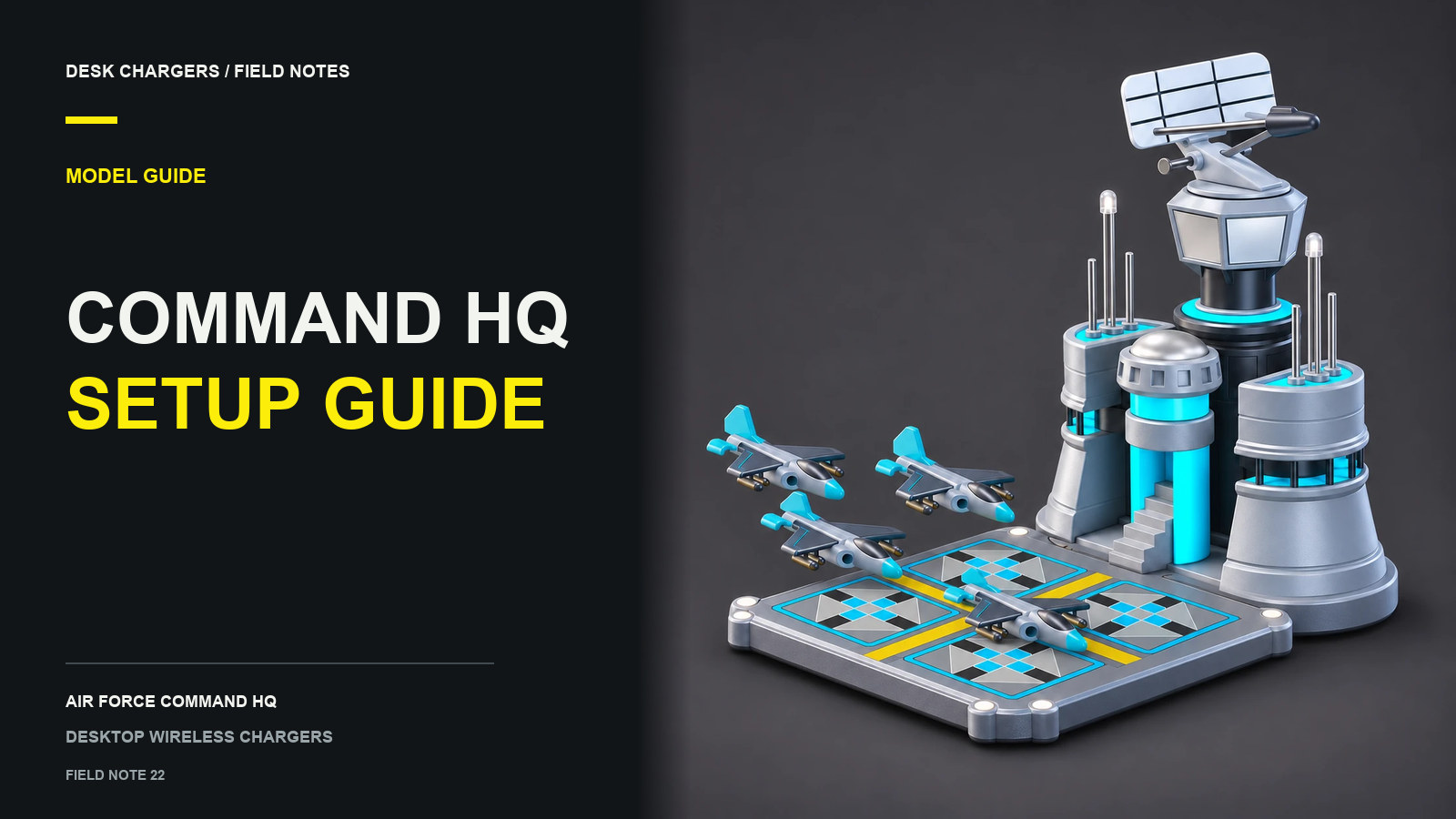
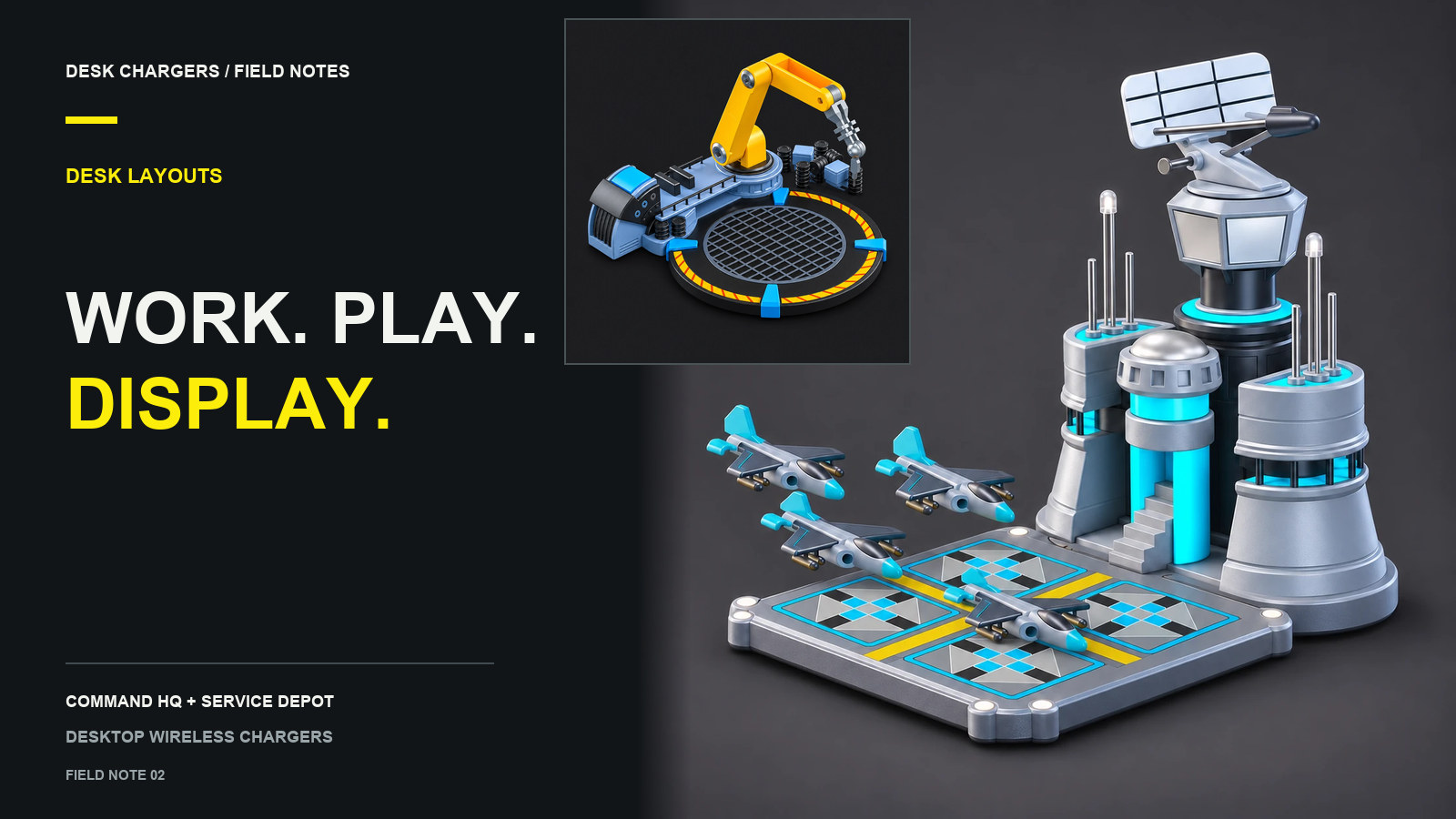
For example, a command-building model can occupy the back corner nearest the phone's usual position, provided it remains reachable and does not obstruct the monitor. A low repair-station model may suit a more open side area where you can see and arrange its arm.
The two Desk Chargers models have different proportions:
| Model | Listed dimensions | Detail to account for |
|---|---|---|
| Air Force Command HQ | W 9.7 × D 14.8 × H 11.7 cm | Height, radar and access to the controls |
| Service Depot | L 13.8 × W 12.5 × H 3–8 cm | Manually positioned arm and access to the phone |
These are listed model measurements, not a guarantee of the space needed with every phone. Leave room for the power connection and for lifting your phone. See the two-model comparison for their documented features.
Draw the cable route before settling the arrangement
A phone can charge without a cable plugged into it while the charger remains connected to power. Trace that lead from the proposed location to a suitable power source. Check the plug's space behind the model, the route around the monitor base and access to any connection you may need to disconnect.
You can mock up the route with an unconnected cable before securing anything. If the desk changes height, test the route through its normal movement before fastening it in place. The cable management guide covers this sequence in more detail.
Test the layout as a routine
Run through a few ordinary actions: begin a game, open a notebook, pick up the phone, set it back down and put away the headset. Move anything that makes those actions awkward. Then look at the setup from your chair and from the room entrance. A layout that works from both views usually needs fewer decorative additions to feel complete.
Questions or corrections about this content can be sent to support@deskchargers.com.
All postsRelated posts
Desktop wireless charger comparisons, setup questions, and buying guides.