Red Alert-Inspired Desk Setup Ideas for Strategy Game Fans
Plan a Red Alert-inspired gaming desk around a command building or repair-station model, with room for your phone, controls and everyday equipment.
Written by
Desk Chargers Team
Product notes and buying guides from Desk Chargers.
A Red Alert-inspired desk works well when one recognizable building anchors the theme. Keep the keyboard, mouse and monitor practical, then use color, a model and a few surrounding details to suggest a miniature command area. You do not need to cover the whole desk in collectibles to make the reference clear.
This guide uses the two Desk Chargers designs as examples of that approach. “Red Alert-inspired” describes their styling; it is not a claim that they are official game merchandise.
Choose a command building or a repair platform
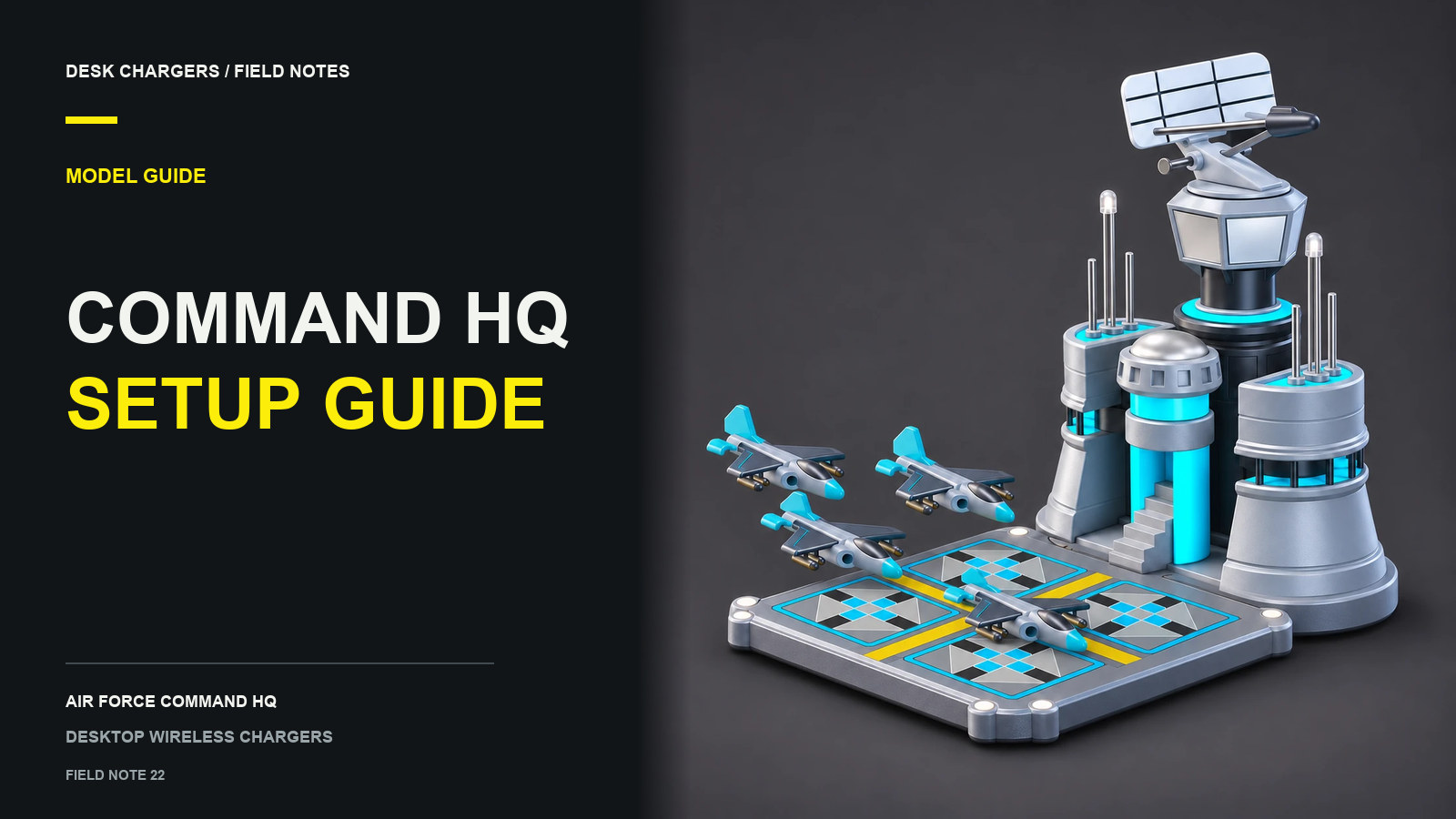
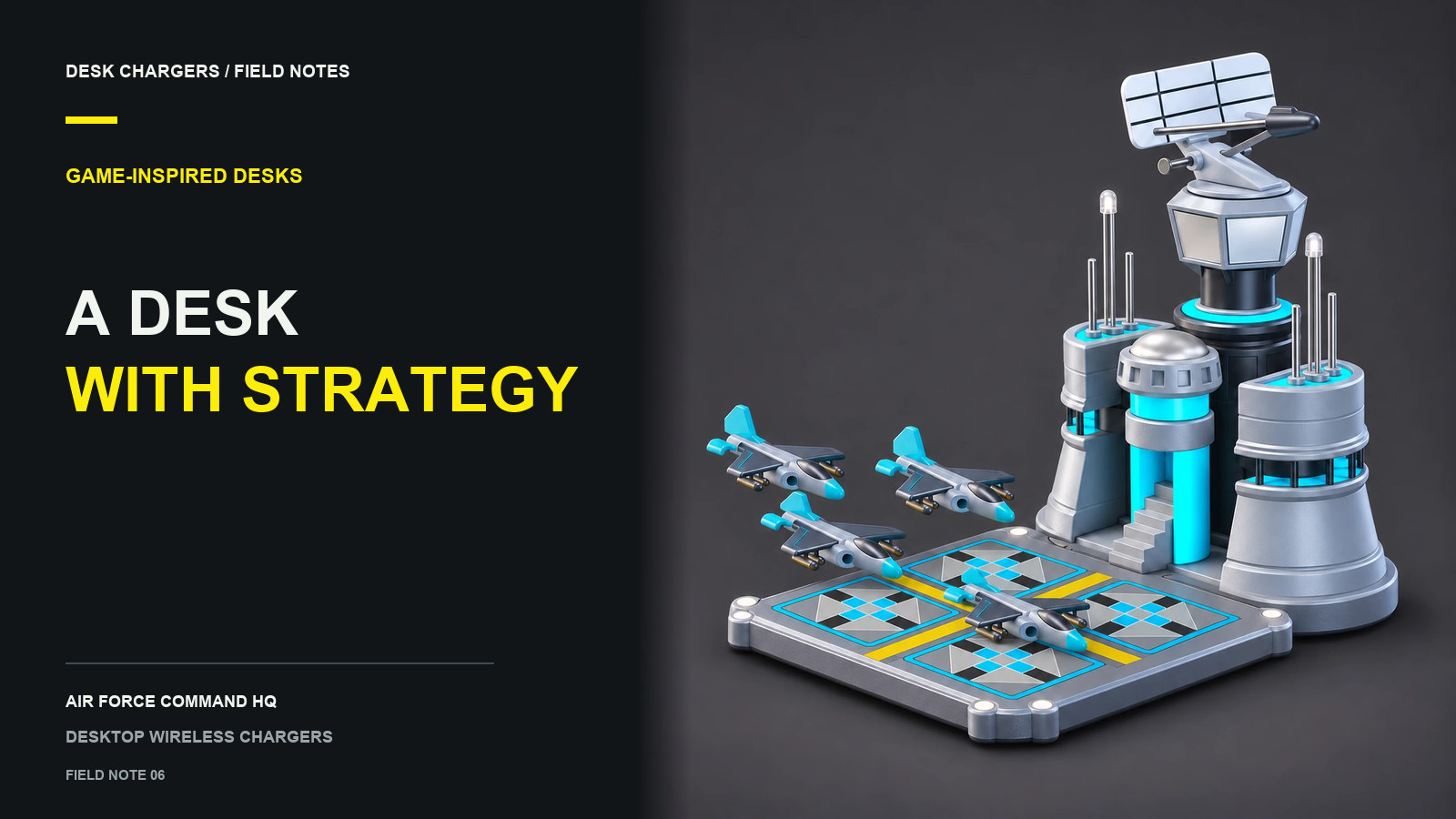
Begin with the type of display you want to see beside your screen. The Air Force Command HQ is the taller focal point. Its documented features include RGB lighting, interactive sound cues and a rotating radar with adjustable speed. The assembled 3.0 model measures W 9.7 × D 14.8 × H 11.7 cm.
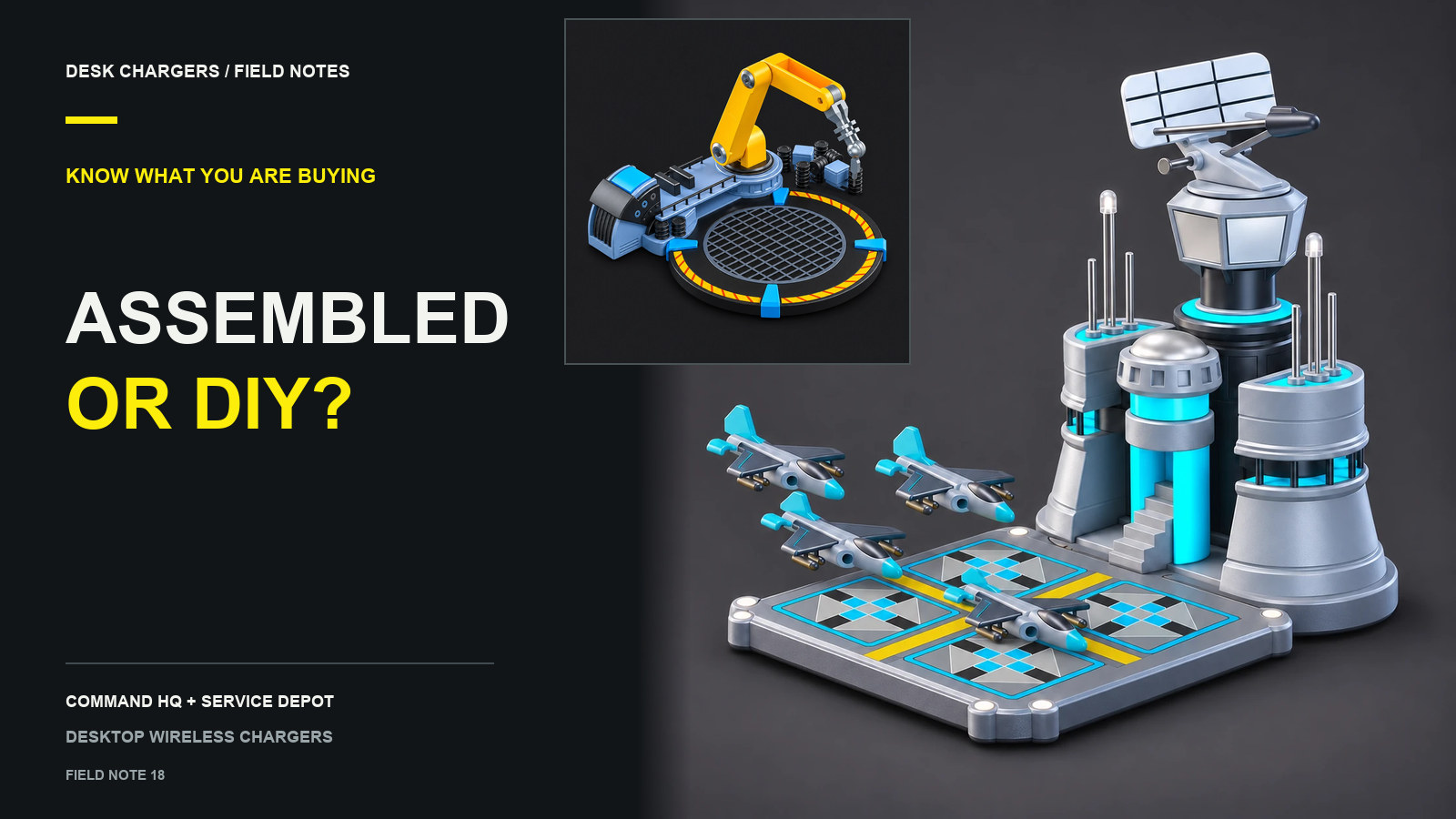
The Service Depot creates a lower repair-station scene. Its circular platform is the charging area, and its articulated arm can be positioned by hand. The arm holds its pose; it does not perform an automatic repair movement. Listed dimensions are L 13.8 × W 12.5 × H 3–8 cm.
Both are assembled chargers, so choosing one is different from choosing a model-building project. Each is listed at $169 USD. Pick the design and daily interaction you want before considering additional decorations.
Build a small scene around the model
Use the model as the busiest object in the arrangement. A quiet desk mat and a restrained accent color can give its details more space than a collection of equally bright accessories.
Try one of these design directions:
| Direction | Main idea | Keep practical |
|---|---|---|
| Command corner | A taller building near the monitor, with one matching accent elsewhere | Screen visibility, radar space and access to controls |
| Repair bay | A lower platform on an open side of the desk | Room to place the phone and pose the arm by hand |
| Understated reference | One model against an otherwise simple workspace | Comfortable phone access and a clear mouse area |
These are conceptual arrangements, not customer installations or tested space requirements. Make a paper footprint from the listed dimensions before buying accessories to fill the surrounding area.
Check the scene with a phone on it
A charging display spends part of its day with a phone resting on the platform. Picture that view before planning the composition. A phone may cover details you particularly like or extend beyond the visible base.
Try your current phone in the proposed area and lift it several times. Keep the surrounding objects far enough away that the motion feels straightforward. Leave access to the charger controls, the arm and the power connection without treating the charging platform as a storage surface.
The exact phone model, case and power supply still need a compatibility check. A themed housing does not establish supported charging speed or prove that every phone can use it. The two-model comparison collects the practical differences alongside the appearance.
Decide how much activity suits the room
HQ's lighting, sound and radar make it a more active display. Consider whether those effects suit a room used for calls, shared work or late-night gaming. Its four named modes are Standard, Focus, Silent and Show, selected with the staircase control. Confirm the documented behavior of a mode before assuming that its name means a particular combination of effects is disabled.
Service Depot's manual arm offers a different interaction: arrange its pose and leave it where you want it. Do not buy it expecting a motorized sequence. Avoid planning the scene around unconfirmed sound or lighting features.
Finish the practical checks before adding details
HQ specifies a 12V DC input; Service Depot has a USB-C power port. Confirm the required accessories and package contents before ordering. Decorative aircraft in a gallery image do not establish that they are included with your chosen package, and cable or adapter inclusion is not currently specified.
Online checkout is currently unavailable. If a design fits your desk, use Customer Help to confirm your phone, case and power requirements. With those details settled, the model can become a deliberate part of your everyday setup rather than an object you keep moving out of the way.
Questions or corrections about this content can be sent to support@deskchargers.com.
All postsRelated posts
Desktop wireless charger comparisons, setup questions, and buying guides.