Gaming Desk Accessories That Earn Their Space
Choose gaming desk accessories around charging, storage, cable control and display. Make room for the things you use before adding another desk upgrade.
Written by
Desk Chargers Team
Product notes and buying guides from Desk Chargers.
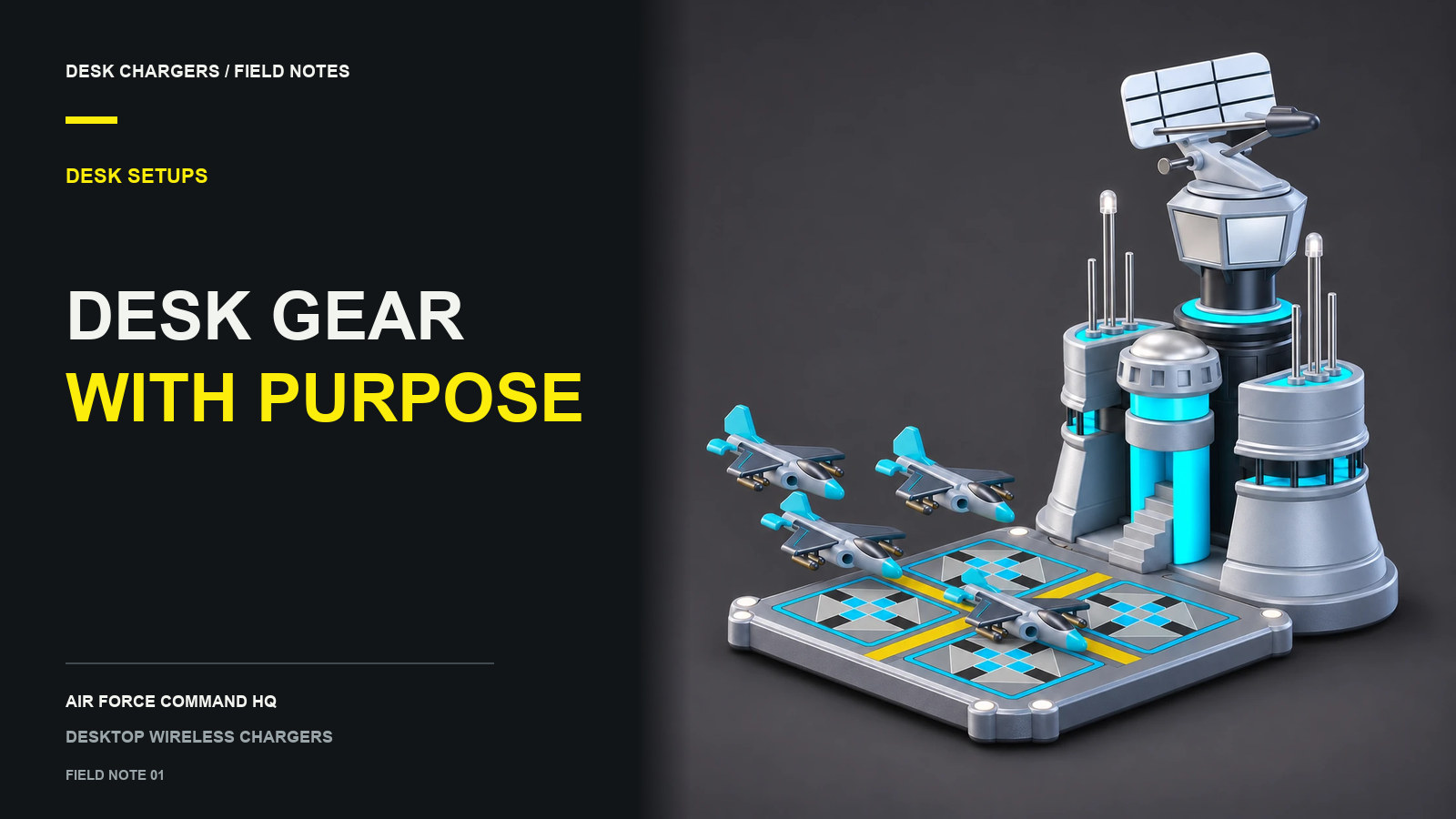
The most useful gaming desk accessories solve a problem you notice during an ordinary session. Your phone needs a dependable landing spot. A controller needs somewhere to go when you switch to the keyboard. A cable needs to stay within reach. Start with those small interruptions, then choose the objects you also enjoy looking at.
A desk can have plenty of personality and still leave room to play. The trick is to give each accessory a job and a place before you buy it.
Start with what happens at your desk
Use your current setup for an evening and write down what you move more than once. A headset that keeps landing on the keyboard suggests a storage problem. A phone that disappears under papers needs a regular place. A decorative object that you push aside every match may be occupying working space.
Turn those observations into a short list:
| Daily problem | Accessory category to consider | Check before buying |
|---|---|---|
| Phone has no regular home | Phone stand or compatible charger | Phone support, case, footprint and power connection |
| Controller or headset covers the keyboard | Holder, hook or tray | How it attaches and how easily you can reach it |
| Loose leads cross the mouse area | Cable clips or reusable ties | Cable size, route and attachment surface |
| Small objects scatter across the desk | Shallow storage tray | Whether the tray fits without replacing useful space |
| Setup feels impersonal | A model, print or illuminated object | Scale, visual style and whether you want its effects nearby |
This is a way to choose categories, not a ranking of products we have tested. You may already own something that solves the problem.
Protect the space you actually use
Put the keyboard and mouse where you normally use them. Leave your usual notebook, controller or drawing tablet in position too. The remaining surface is the space available for an accessory; the desk's advertised width tells you much less.
For a right-handed mouse user, the open area to the left of the keyboard may suit a phone better than the right. Reverse the idea if your arrangement is different. Try the location with your actual phone before adding a holder or charger. You should be able to pick it up without reaching through a display or moving another device.
Our small gaming desk guide explains a paper-template check for objects with more substantial footprints.
Give a decorative charger a realistic job
A model-style charger combines a phone-charging location with a display object. That combination is appealing if you enjoy the model enough to keep it on the desk even when your phone is elsewhere. It is worth comparing with a simple pad if charging is your only priority.
The Air Force Command HQ measures 9.7 cm wide, 14.8 cm deep and 11.7 cm high. It has RGB lighting, interactive sound cues and an adjustable rotating radar. The assembled model is listed at $169 USD. Those features make it a visible part of a setup, so consider the height and effects as well as the base area.
Wireless charging still requires power to the charger. It also requires a compatible phone and suitable positioning. For iPhone, Apple advises using the accessory's supplied or recommended power adapter and following its placement instructions. That guidance does not establish compatibility or certification for a particular third-party model. Apple's charging guidance
Use a keep, move or skip test
Before adding an accessory, answer three questions:
- Keep: Will I use it here most days, or enjoy it as an intentional display?
- Move: Where will the object currently occupying that space go?
- Skip: Would this purchase create another cable, storage or access problem I do not want to manage?
You do not need a complete collection at once. Start with the accessory that removes the most frequent annoyance, use the new arrangement, and then decide what is still missing. For a charger specifically, use the desktop wireless charger buying guide to check phone, space and power requirements together.
Questions or corrections about this content can be sent to support@deskchargers.com.
All postsRelated posts
Desktop wireless charger comparisons, setup questions, and buying guides.